Musicate for teachers
Give your students focused practice between lessons, and see who practised and how they did.
Get started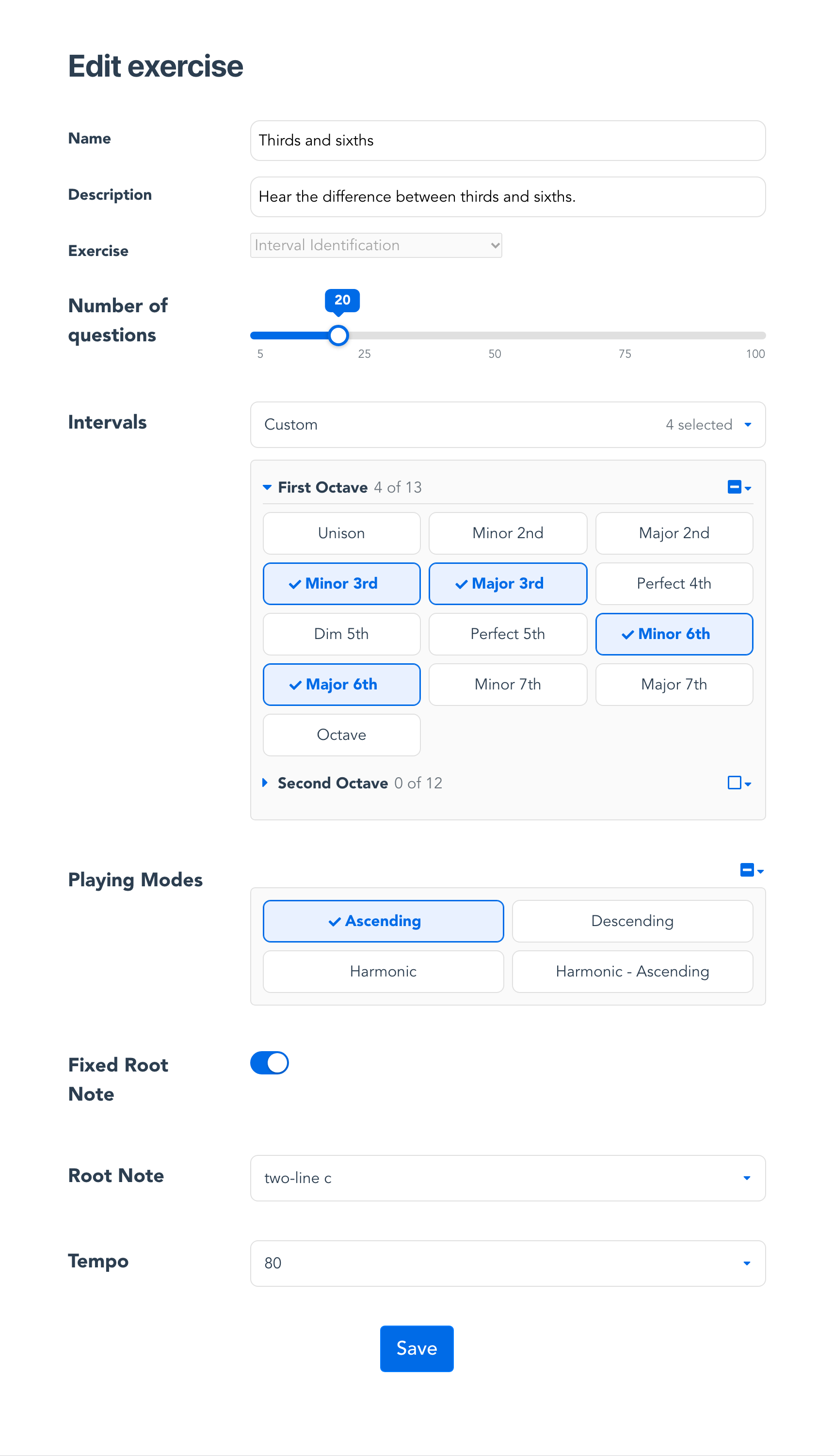
Practice that matches your lesson
Build a task from any exercise and set it to exactly what you taught this week.
Choose which intervals or chords, how they're played and how fast, which clefs and key signatures, and how many questions.
Your class joins with one link
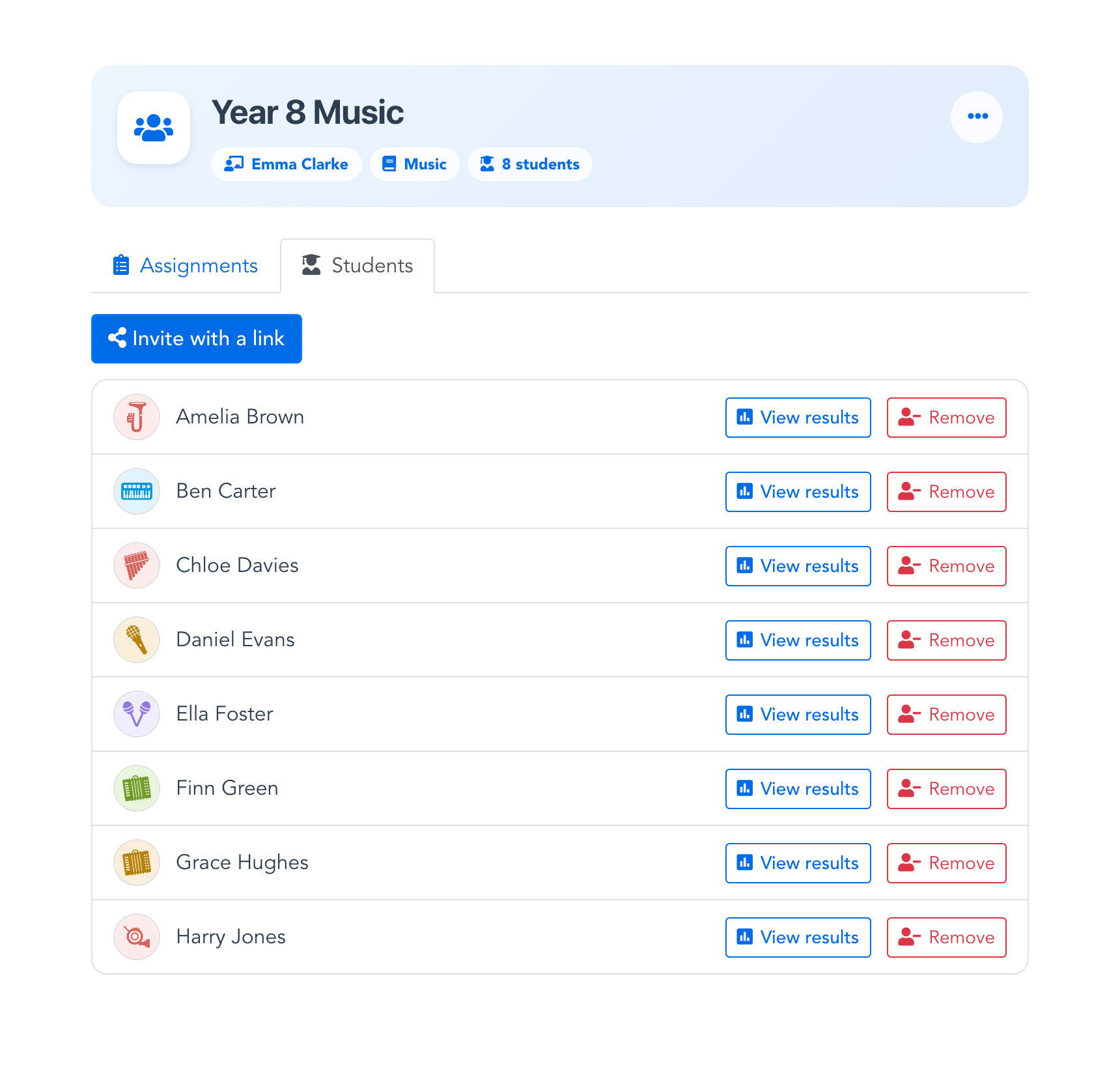
Create a class, share its link, and your students join in a click.
They find your assignments in the class and practise in the browser or on their iPhone or iPad.
See every answer, not just a score
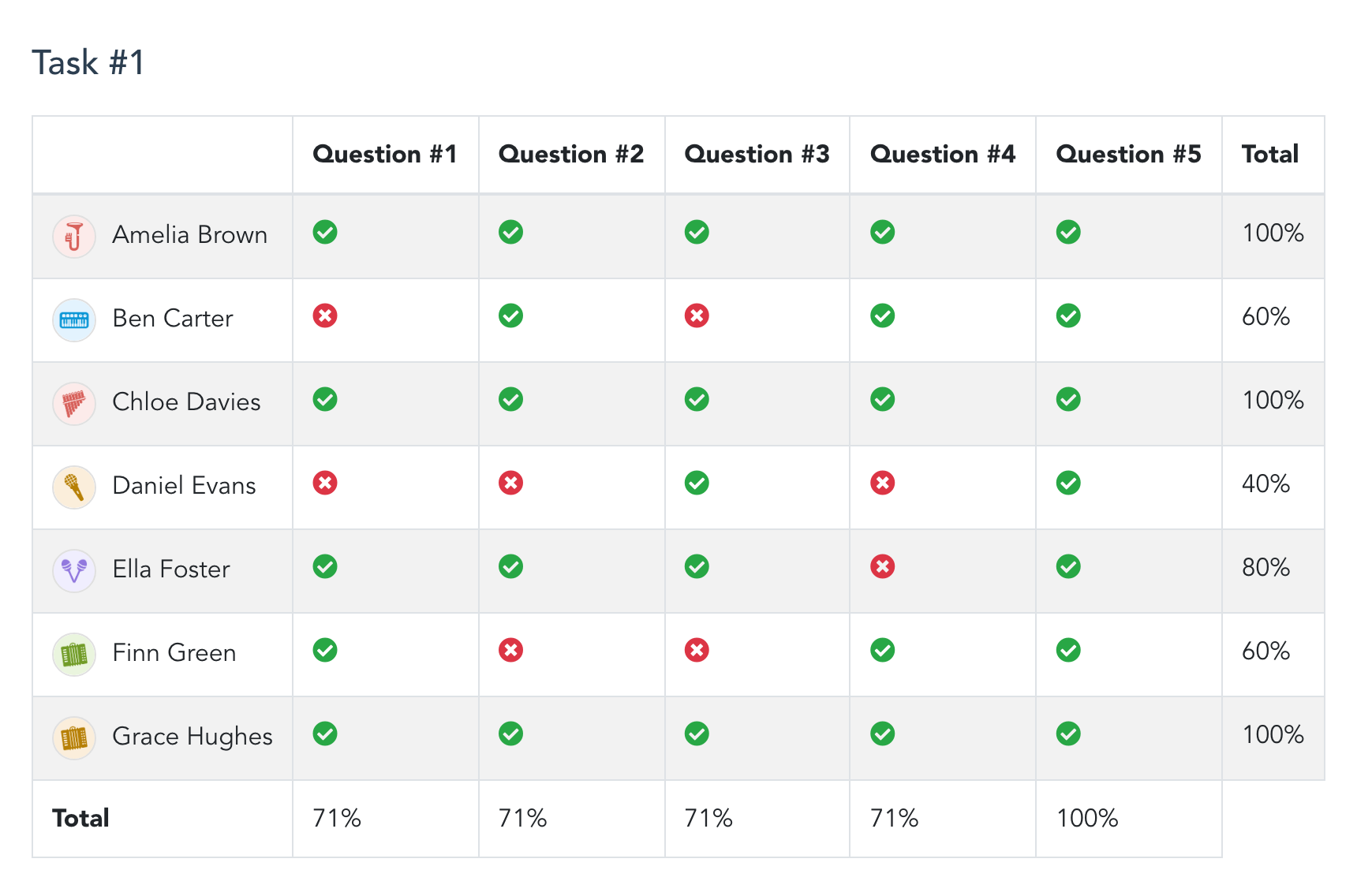
Results show each student's answer to every question, and how the whole class did on each one.
See who has done the assignment, who hasn't, and which question tripped up the class, without marking anything.
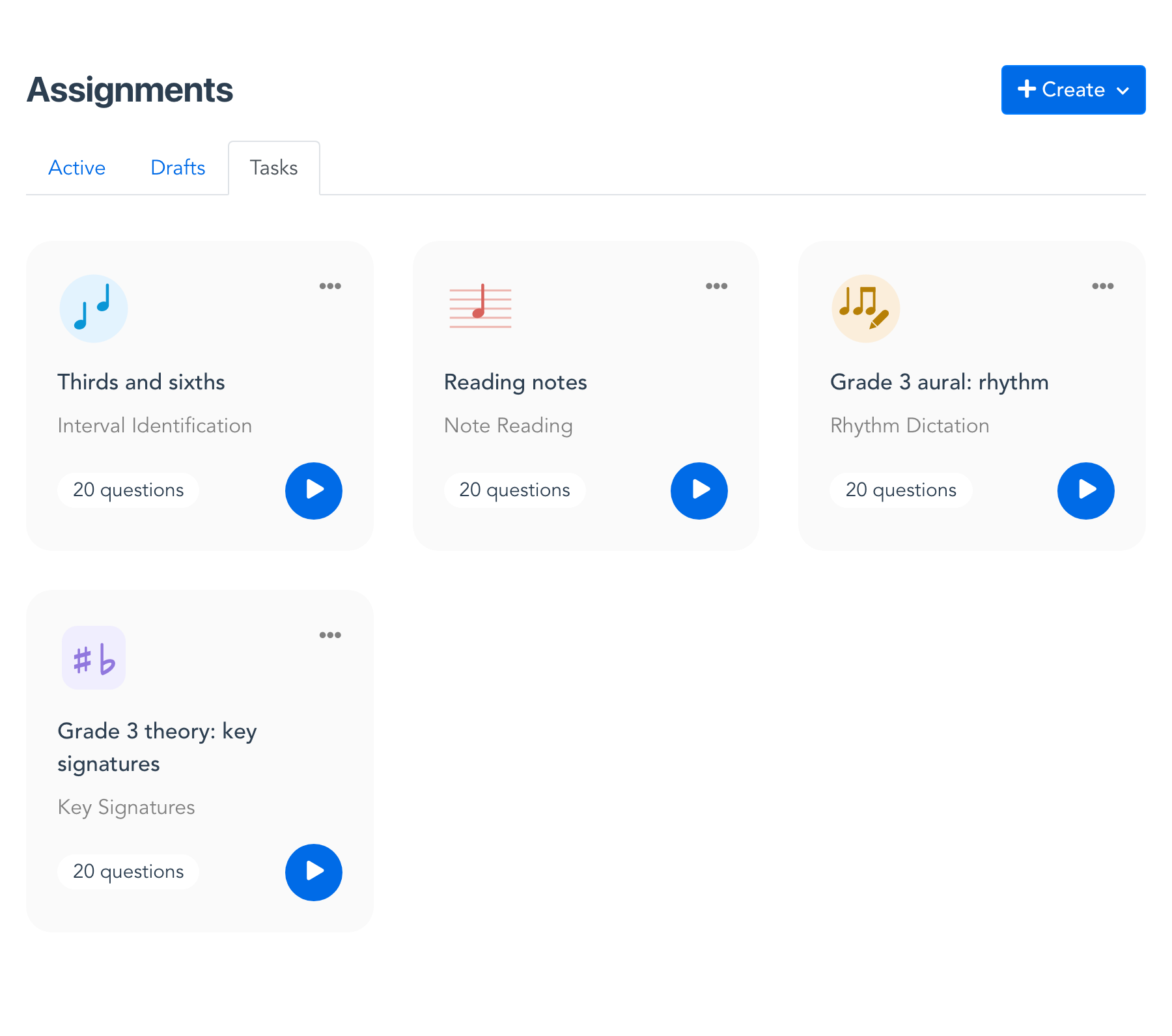
Ready for exams
Prepare students for graded exams and entrance exams with tasks built around the aural and theory topics they'll be tested on: intervals, rhythm, key signatures and more.
Set them as regular homework in the weeks before the exam, and see who's ready.
See what each exam asks for, topic by topic, with the exercises to practise it: ABRSM, AP Music Theory, Trinity, RCM and AMEB.
Any device
Any browser on a computer, tablet or phone, plus the app for iPhone and iPad.
Nothing to install
Students open Musicate in the browser. No setup on school computers.
Free for teachers
Every feature for teachers is free.
Made with teachers
Built and tested in real lessons, together with music teachers.
Running a whole school?
Bring every teacher and class into one place, and we'll help you set it up.